
Cloud Cruiser Guide: Build a Mobile Home Base
Plan the ATMOSFAR Cloud Cruiser around Wasp pads, fuel, power, research and access routes rather than an unverified optimal blueprint.
FAQ
What does the Cloud Cruiser do?
Which functions should you plan first?
What does the Cloud Cruiser do?
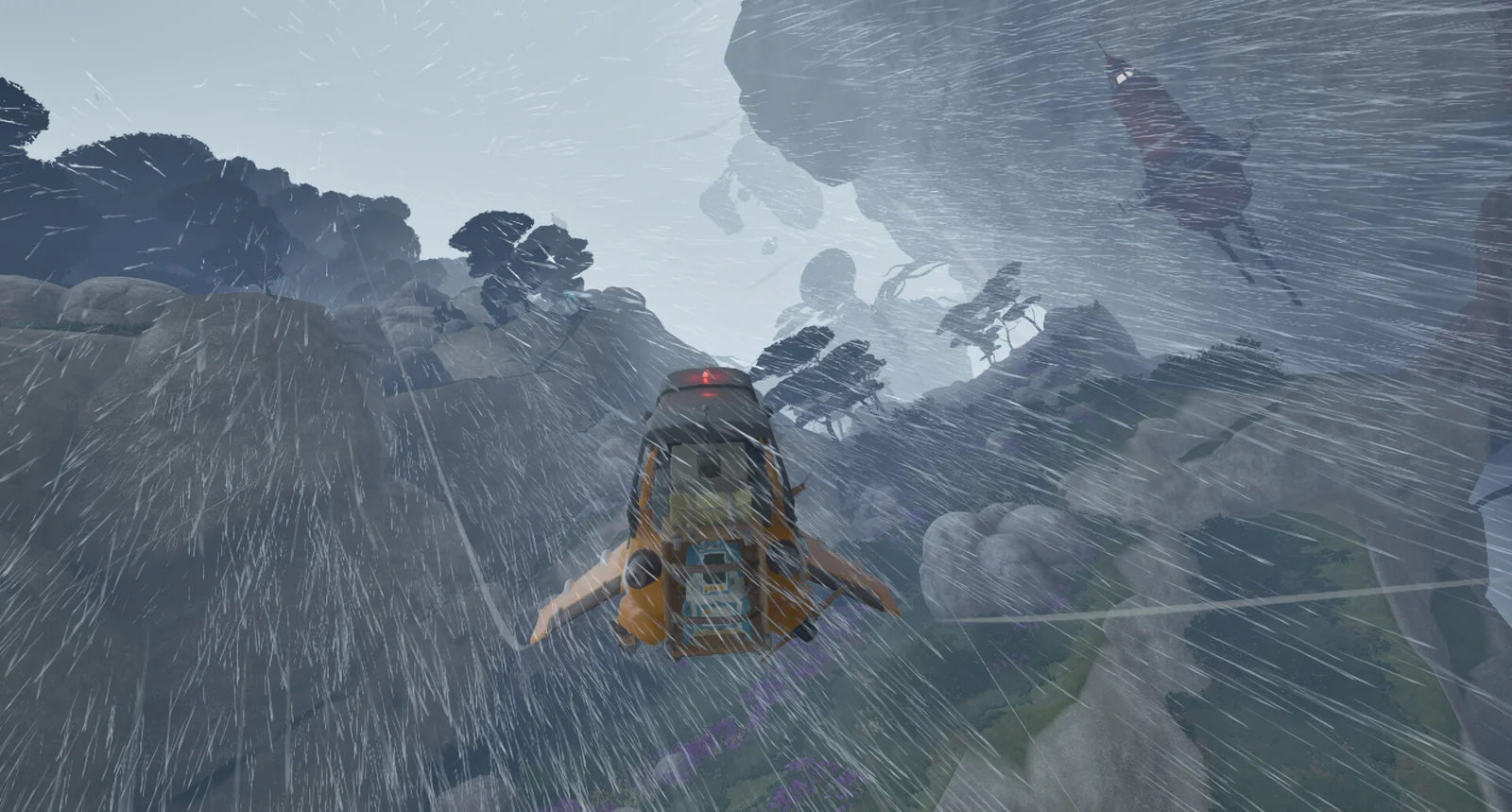
It lets you bring a working base along instead of repeatedly returning across the same stretch of sky. The launch description includes extracting scrap, producing fuel and power, growing plants and researching objects. The Steam page also identifies Wasp pads and fuel tanks as buildable facilities. The ship is piloted from its helm and can be expanded with additional sections.
Which functions should you plan first?
Our suggested order is to keep travel and supply functions usable before filling the interior with decoration: reach the helm, reach aircraft access, identify fuel storage and leave room around the equipment you need next. This is a layout recommendation rather than a mandatory unlock sequence. Choose modules from your actual research and construction menus, since recipes and progression can change.
How do you keep a shared base understandable?
Give storage and work areas clear purposes so another player can find the items needed for a repair or crafting job. Before relocating, confirm the crew knows where the Cruiser is going. Leave paths to equipment and pads rather than assuming every tightly packed arrangement will remain comfortable. No publicly verified build limit or optimal dimension is claimed here.
Why can an old demo walkthrough miss it?
Dev Blog 15 explains that the Cloud Cruiser was not part of the earlier demo because access occurs later than that demonstration covered. A demo ending before you acquire it is therefore not proof that the released Early Access game lacks base building. For the current game, follow progression objectives rather than an invented first-island Cruiser unlock route.
Related guides
Related Articles
base-building
Portable Camp: Utility Wasp Setup and Moving
Use the Utility Wasp camp for crafting, cooking and recovery, and understand camp layouts without assuming old demo controls still apply.
exploration
Tycos Islands: Regions, Landmarks and POIs
Navigate ATMOSFAR floating islands, use landmarks with a crew and understand the difference between launch regions and future exploration.
exploration
Weather and Wildlife: Plan Safer Flights
Plan ATMOSFAR flights around changing winds, storms, night conditions and hostile wildlife without unsupported damage or weather immunity claims.
Was this helpful?
Thanks for the feedback!